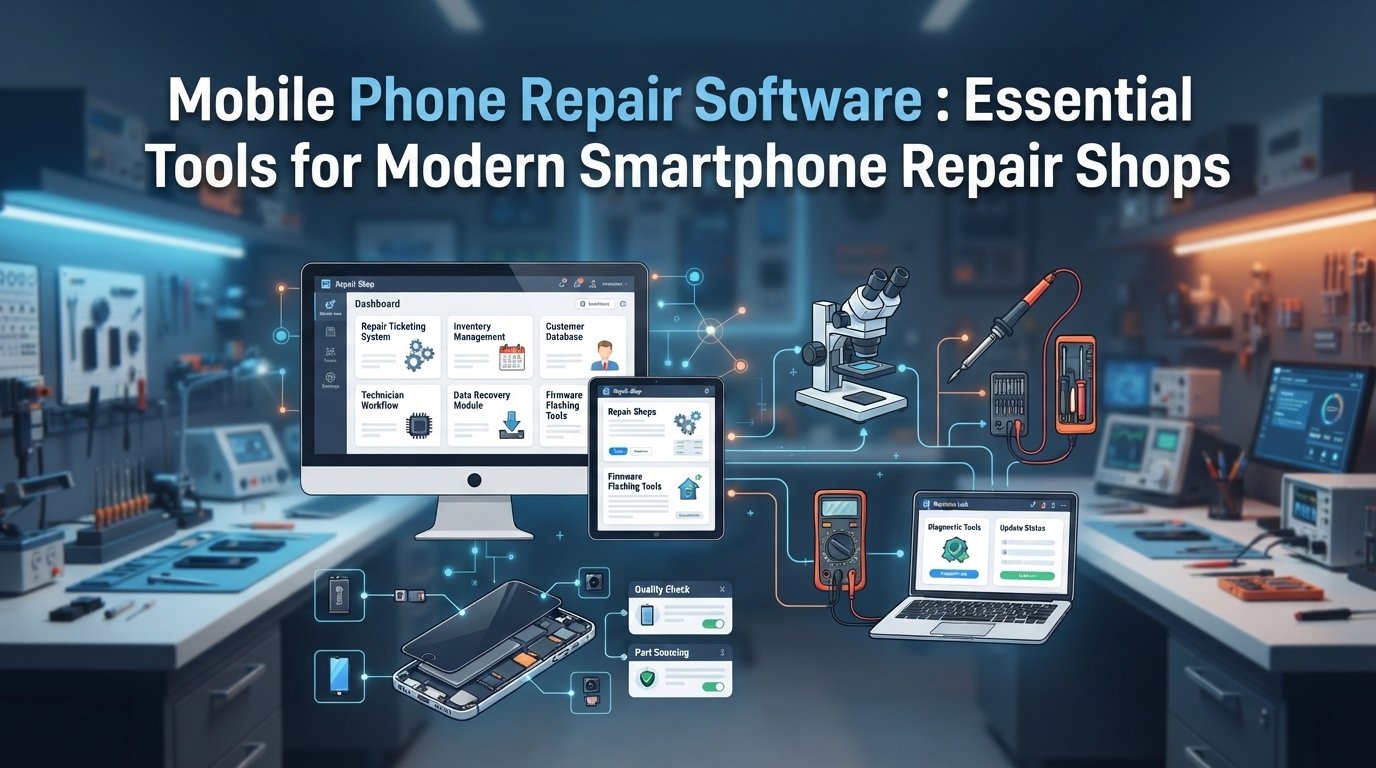


Smartphones have become an essential part of everyday life, and even minor technical issues can disrupt communication, work, and daily activities. From software crashes and failed updates to bootloop problems and damaged operating systems, mobile devices can experience a wide range of faults. Repair technicians need reliable tools and an organized workflow to diagnose and resolve these issues efficiently. Mobile Phone Repair Software plays an important role in helping technicians manage software-related faults, improve diagnostics, protect customer data, and streamline repair operations.
Understanding Mobile Phone Repair Software
Mobile phone repair software includes applications and technical tools designed to identify, troubleshoot, and resolve smartphone problems. Depending on the device and software capabilities, these tools can help technicians inspect system information, perform recovery operations, install compatible firmware, diagnose errors, and manage repair procedures.
Instead of relying on manual troubleshooting alone, technicians can use software-based solutions to identify possible causes of a problem and determine the most appropriate repair approach. The right tools can save time, reduce unnecessary procedures, and improve the overall repair experience for customers.
Android and iOS System Recovery Tools
Smartphones can become unresponsive after failed updates, corrupted system files, application conflicts, or unexpected shutdowns. An Android and iOS system recovery tool can help technicians troubleshoot supported operating system problems and restore devices to a working condition.
Recovery tools may offer functions such as system updates, recovery mode assistance, troubleshooting options, and restoration processes. However, available features vary between manufacturers and device models. Technicians should always verify compatibility and explain any potential data loss before starting a recovery operation.
Smartphone Flashing and Firmware Repair Software
Firmware-related problems can cause smartphones to freeze on startup, restart repeatedly, display software errors, or fail to load the operating system. Smartphone flashing and firmware repair software helps technicians work with supported firmware packages to reinstall, update, or restore a device’s software.
Before performing firmware repair, technicians should identify the exact phone model, software version, and hardware variant. Using incompatible firmware may create additional problems or make the device unusable. A proper process includes checking compatibility, preparing the device, selecting the correct firmware, completing the operation safely, and testing the phone afterward.
Mobile Phone Diagnostic and Data Recovery Software
Not every smartphone problem requires reinstalling the operating system. Slow performance, application crashes, storage issues, unexpected errors, and connectivity problems may have different causes. Mobile phone diagnostic and data recovery software can help technicians investigate device conditions and determine which troubleshooting steps are appropriate.
Diagnostic tools may assist with checking system information, storage conditions, software behavior, and supported device functions. Data recovery tools can also be useful when customers have lost important photographs, contacts, documents, or other files.
Data recovery is not guaranteed, particularly when storage is physically damaged or data has been overwritten. Technicians should avoid unnecessary resets or firmware operations when preserving customer data is a priority.
Repair Shop POS and Ticket Management Software
Managing a repair business involves much more than fixing smartphones. Repair shops regularly handle customer inquiries, device intake, repair estimates, job assignments, spare parts, payments, and completed repairs. Repair shop POS and ticket management software can bring these activities together in one organized system.
A repair management platform can help businesses:
- Create repair tickets and track job progress.
- Record customer and device information.
- Manage repair status and technician assignments.
- Prepare estimates and invoices.
- Monitor spare parts and inventory.
- Maintain repair history and customer records.
- Manage payments and business transactions.
An organized ticketing system makes it easier for staff to follow each repair from device drop-off to final collection. It can also reduce paperwork, prevent missed updates, and help shop owners understand their daily workload.
How to Fix Phone Bootloop and Bricked Device Software Issues
Bootloop and bricked-device problems can be challenging for both technicians and customers. A bootloop occurs when a phone repeatedly restarts without successfully reaching its normal operating screen. A bricked device may fail to start or respond properly following a failed update, firmware issue, or other technical problem.
Software tools can assist technicians in identifying recovery options, checking device compatibility, and carrying out supported repair procedures. However, these issues may also be caused by faulty batteries, damaged storage, motherboard faults, or other hardware failures.
A careful technician should diagnose the device before attempting a software fix. This helps avoid unnecessary flashing, protects customer data where possible, and ensures that hardware-related problems are not mistaken for software faults.
Features to Consider When Choosing Mobile Repair Software
Choosing the right solution depends on the repair shop’s size, services, and daily requirements. Some technicians need specialized firmware and diagnostic utilities, while established businesses may require a complete repair management platform.
Important features to consider include:
- Device compatibility: Support for the phone brands and models handled by the shop.
- Diagnostic capabilities: Useful tools for identifying common software faults.
- Recovery functionality: Supported system recovery and firmware repair options.
- Data protection: Clear processes for backups and customer data handling.
- Repair ticket management: Easy tracking of jobs, status, and technician assignments.
- POS and invoicing: Payment processing, estimates, receipts, and billing.
- Inventory tracking: Monitoring spare parts and accessories.
- Ease of use: Interface technicians and front-desk staff can navigate efficiently.
Comparing these features before selecting a platform can help repair businesses avoid unnecessary costs and choose tools that genuinely support their operations.
Improving Repair Shop Efficiency with the Right Software
Technology is changing how mobile repair businesses operate. Technicians can use specialized software to improve troubleshooting, while shop owners can use repair management systems to organize their customers, jobs, stock, and finances. When these solutions work together, businesses can create a more consistent repair process.
The most effective approach is to combine technical knowledge with the right digital tools. Software can assist with diagnostics, firmware recovery, and job tracking, but successful repairs still require trained technicians, compatible tools, careful testing, and responsible handling of customer devices.
Conclusion
Reliable Mobile Phone Repair Software can support smartphone technicians and repair businesses by simplifying software troubleshooting, recovery procedures, diagnostics, and daily shop management. From firmware repair and system recovery to repair tickets, POS, and inventory tracking, the right tools can help improve efficiency and service quality. Solutions like Repair Booking help repair businesses streamline their operations and manage repair workflows more efficiently. Selecting software according to compatibility, data safety, features, and business needs allows repair shops to build a more organized workflow and deliver a better customer experience.